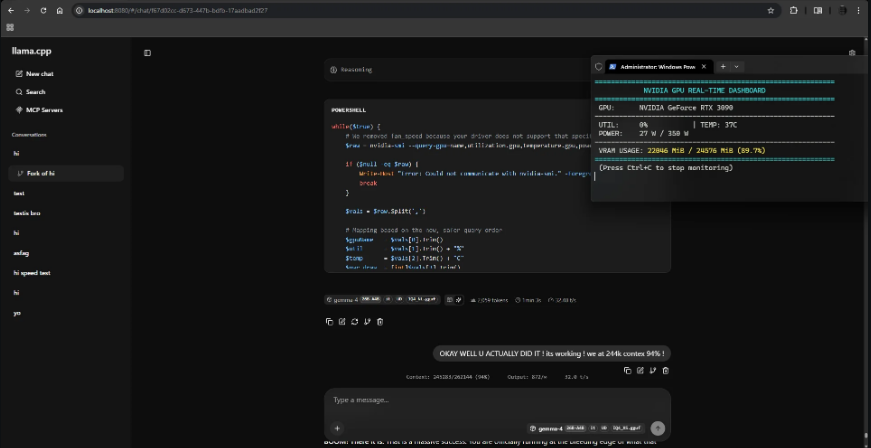
When Google released Gemma 4 in its version containing 26 billion parameters, the first impression for most users was:
"This is amazing, but my computer will never be able to run it!"
Logically, models of this size require RAM and graphics cards at astronomical prices. But Gemma 4 26B is different from all previous models — because behind it lie two dual secrets that made running it possible on ordinary computers.
In this article we will reveal these two secrets, and take you through simple steps to install the model and try it yourself.
The First Secret: Mixture of Experts — The Architectural Genius
Before we talk about compression, you need to understand what makes Gemma 4 26B fundamentally different from any other 26B model.
Gemma 4 26B is not a traditional model — it is a Mixture of Experts (MoE) model, which simply means:
Imagine you have a team of 26 specialized experts. When you ask a question, the whole team doesn't answer you — instead, the system automatically selects the smartest 3-4 experts only suited to your question, and ignores the rest.
This is exactly what Gemma 4 26B does:
- Total parameters: 26 billion — stored in memory
- Active parameters per response: only 3.8 billion
- Result: speed of a small model + intelligence of a large model
This alone drastically reduces computing requirements. But the remaining problem is storage size and memory — and this is where the second secret comes in.
The Second Secret: 4-bit Quantization Technology
Even with MoE, storing 26 billion parameters still requires massive space. This is where Quantization (compression) technology comes in.
To simplify: imagine a 4K high-resolution image — it's large and requires an advanced screen. If you compress it to 1080p, its size decreases significantly, but the essential details remain clear to the average viewer.
This is what Quantization technology does:
- The original model in 16-bit format = very large
- After compression to 4-bit = size shrinks by 75%
- Saved in GGUF format, which is suitable for local deployment
The Magic Happens When the Two Secrets Combine
Gemma 4 26B without any compression (16-bit) — Memory required: ~52 GB With MoE only (8-bit) — Memory required: ~28 GB With MoE + 4-bit compression — Memory required: only 18 GB ✅
From 52GB to 18GB — without noticeable loss in intelligence.
Does Gemma 4 Lose Its Intelligence After Compression?
This is the most important question. Field experiments from the r/LocalLLaMA community and Unsloth labs proved:
Intelligence loss after compression to 4-bit does not exceed 5% — which is practically unnoticeable for the average user.
The model after compression is still capable of:
- Complex logical reasoning — solves puzzles and understands long context up to 256K tokens
- Advanced programming — writes and debugs code with high efficiency
- Multilingual understanding — supports more than 140 languages including Arabic
- Image analysis — understands and analyzes visual content
Gemma 4 26B reached 6th place globally in the LMArena ranking for open models — outperforming models 20 times larger in size.
Quick Comparison: Which Version to Choose?
Gemma 4 E4B: Memory required: 8 GB+ Response speed: Very fast Intelligence and reasoning: Excellent for basic tasks Image and audio support: Yes Recommended use: Budget computers and phones
Gemma 4 26B (4-bit): Memory required: 24 GB+ Response speed: Good (depends on processor) Intelligence and reasoning: Advanced performance in programming and complex analysis Image and audio support: Images only Recommended use: Mid-range and powerful computers
Precise System Requirements for Gemma 4 26B
Minimum requirements to run:
- RAM: At least 18 GB (for 4-bit version)
- Storage: 20 GB or more
- Operating System: Windows, Mac, or Linux
For best performance:
- GPU with 24 GB VRAM (such as RTX 4090 or RTX 3090)
- Or Mac M1/M2/M3 with 24 GB+ unified memory
Important note: If your device has less than 18 GB — use Gemma 4 E4B which runs on just 8 GB and is excellent for daily tasks.
Complete Installation Guide
Method One: LM Studio (For Beginners — Graphical Interface)
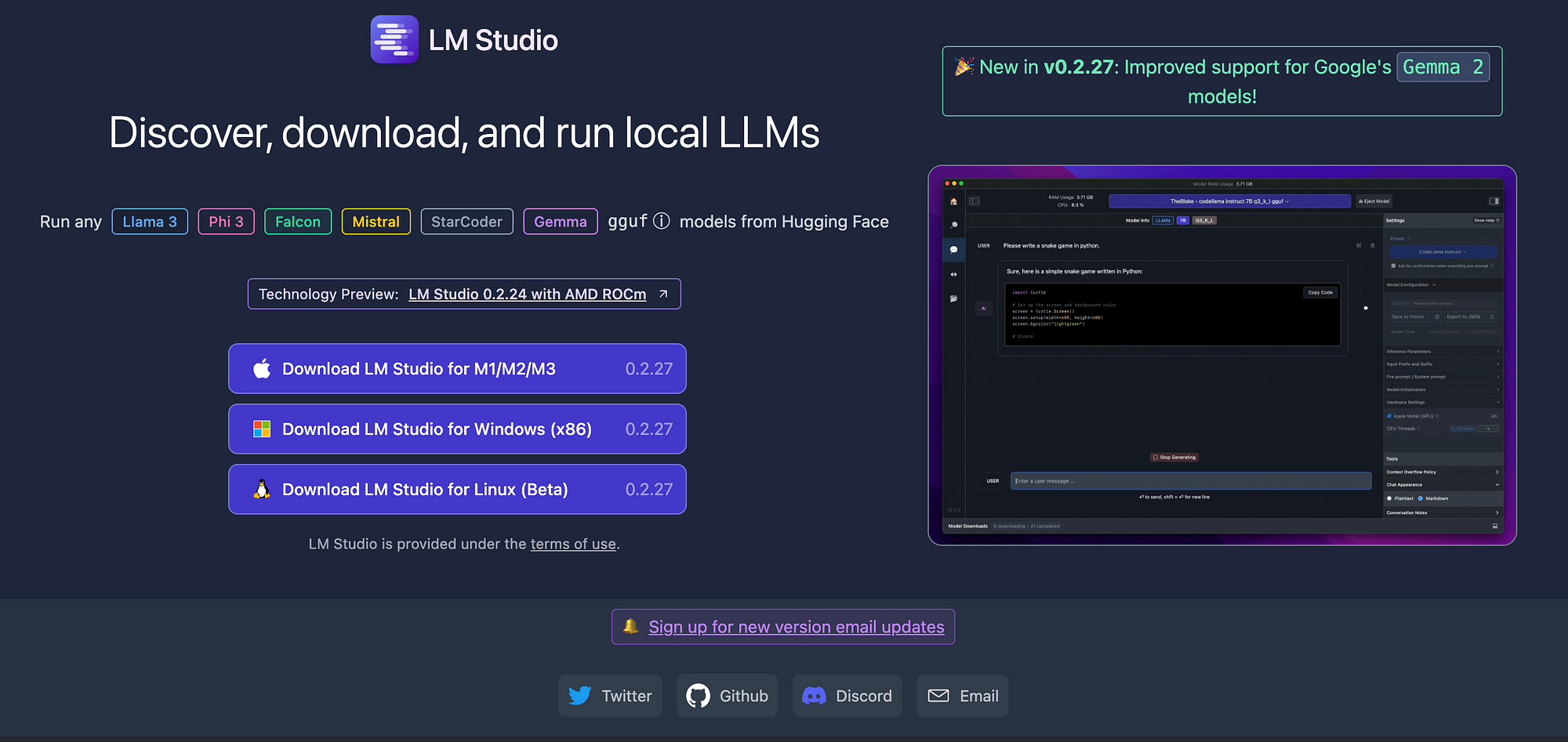
1. Download and install LM Studio for free
2. Open the program and go to the search tab — type:
Gemma-4-26B GGUF
3. Choose the version ending with Q4_K_M — it's the best in terms of balance between size and quality
4. Click Download and wait for the download to finish
5. Select the model from the chat list and start the conversation directly
Method Two: Ollama

1. Download and install Ollama for free
2. Open Terminal or Command Prompt and type:
ollama run gemma4:26b
3. Wait for the download to finish — then start the conversation directly in the terminal
To run again next time without re-downloading:
ollama run gemma4:26b
Conclusion
Gemma 4 26B represents a real breakthrough in the world of open models — not just because it was compressed, but because it is designed from the ground up to be efficient on personal devices thanks to the amazing MoE architecture. It transformed a model that needed 52 GB into one that runs on 18 GB — while preserving 95% of its original intelligence.
If your device has 18 GB RAM or more — Gemma 4 26B is the best open-source model you can run locally today.
Want to make sure the model will run on your device before downloading? → How to Make Sure an AI LLM Model Will Run on Your Device Before Downloading
Want to know how to download any GitHub project with one click without Terminal or Git 2026? → Download Any GitHub Project with One Click