Gemma 4 is currently Google's most powerful open-source AI model, and you can run it fully on your phone without internet using the Google AI Edge Gallery app. It supports text, images, and audio while keeping your data 100% private. In this article, I'll show you the correct way on Android and iOS, plus how to run it on Windows and Mac for beginners.
Introduction
When Google announced Gemma 4, I paused for a moment and thought to myself: "This isn't just another new model… this is the beginning of a new era."
For the first time, we have a fully open-source Agentic model (Apache 2.0) that supports Function Calling, Structured Output, a context of up to 256K tokens, and runs locally on phones and low-power devices.
I tried Gemma 4 myself, and the experience was amazing. No internet, no cloud, no tracking. Everything happens inside your device.
In this article, I'll explain in detail:
- What exactly is Gemma 4 and why it matters so much?
- How to run it on your phone without internet (Android + iOS)
- How to run it on Windows and Mac (simplified method for beginners)
- The best models you can use right now
What Exactly Is Gemma 4?
Gemma 4 is not just a chatbot. It is an Agentic model designed for thinking and execution. It supports:
- Native Function Calling
- Structured JSON Output
- Multimodal (text + images + audio + video)
- Very long context (256K tokens)
- Lightweight Edge models that run on phones
The most important part: Everything is open source and works 100% offline.
How to Run Gemma 4 on Your Phone Without Internet
1. On Android and iOS (The Easiest Way)
-
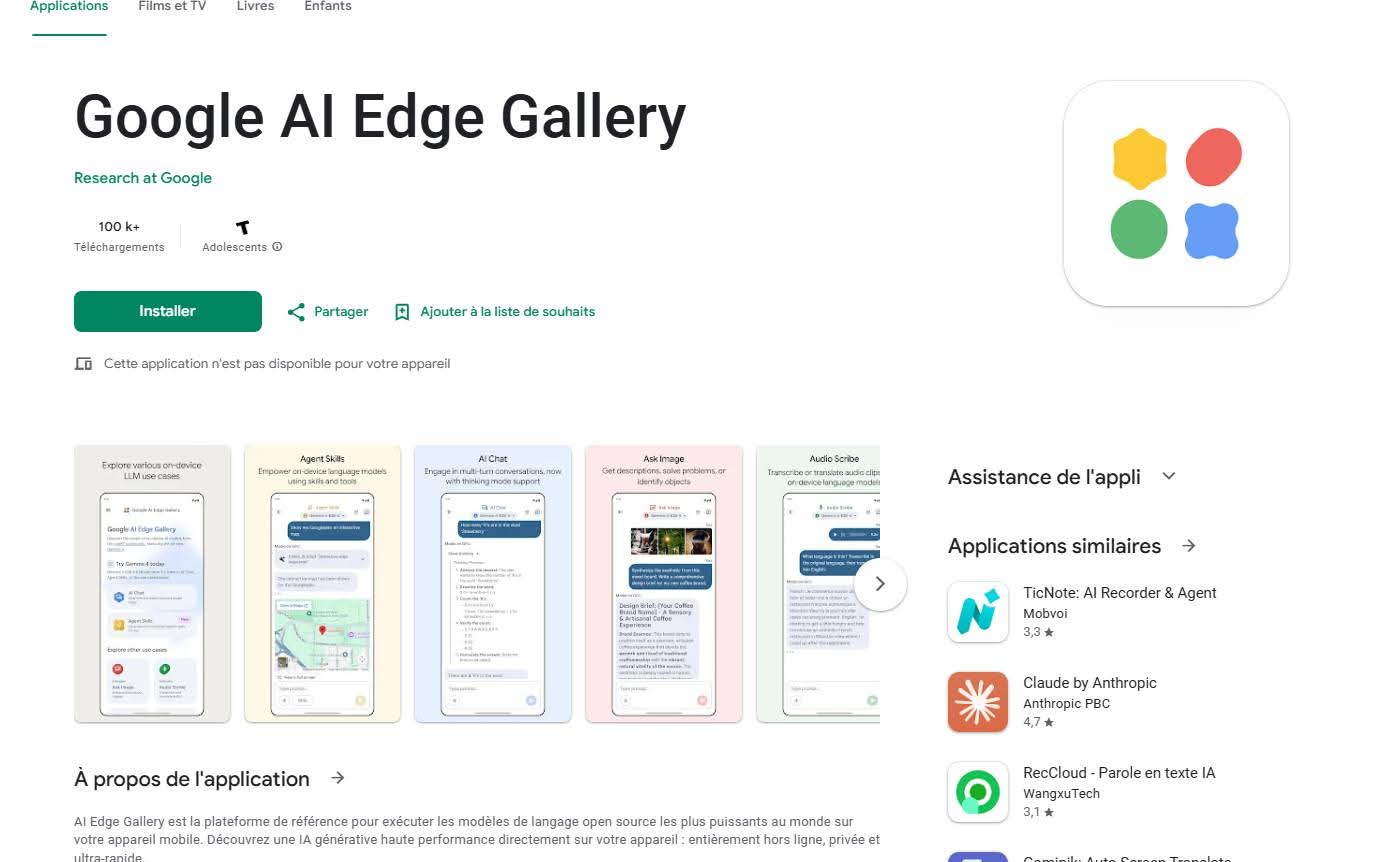
Download the Google AI Edge Gallery app:
- Android: Google Play Link
- iOS: App Store Link
-
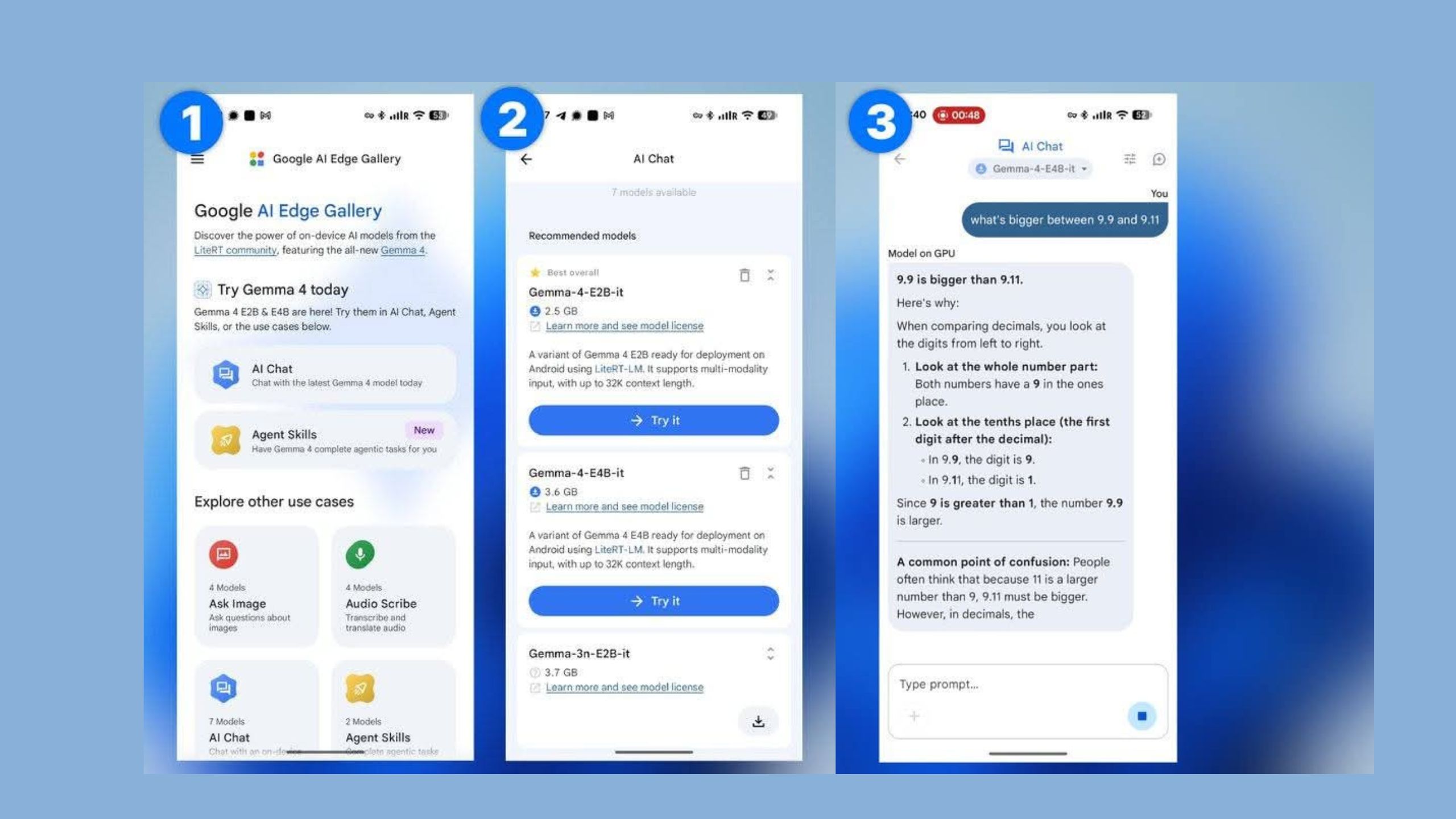
Open the app
-
Choose the mode (Chat / Image / Audio)
-
Download the Gemma 4 model:
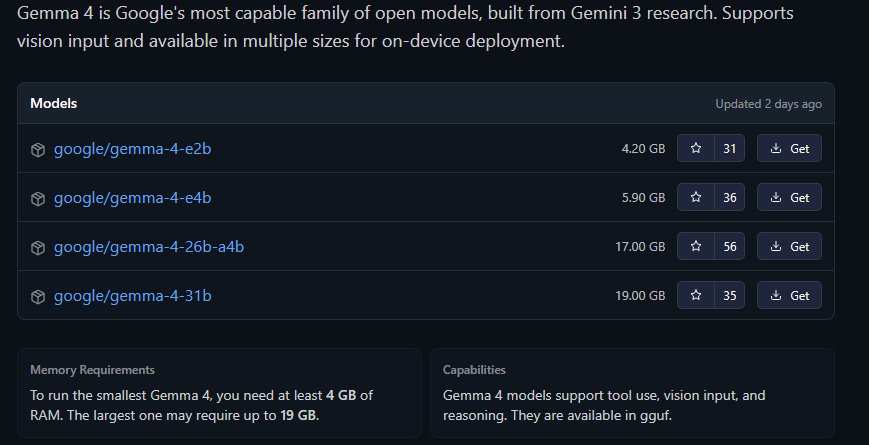
- E2B → Suitable for mid-range phones
- E4B → More powerful (requires a stronger phone)
-
Start chatting immediately — everything works offline.
How to Run Gemma 4 on Computer (Windows & Mac)
For Beginners on Windows (Easiest Method in 2026)
- Download LM Studio (best program for beginners)
- Open LM Studio
- Search for "Gemma 4" or "Gemma-4-E4B"
- Download the model
- Run it and start chatting
On Mac (Apple Silicon)
-
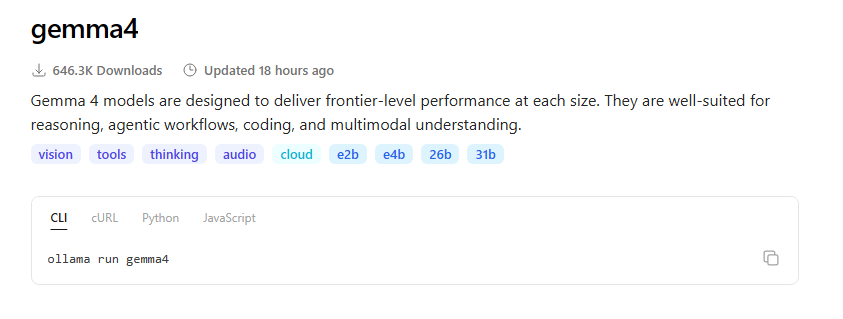
Use Ollama (fastest and easiest)
-
Open Terminal and type:
ollama run gemma4

Or download the E4B model from Hugging Face via Ollama.

---
Frequently Asked Questions
1. Is Gemma 4 better than Llama 3.1?: Yes, especially in Agentic tasks and Function Calling, Gemma 4 currently outperforms it.
2. Does Gemma 4 work on mid-range phones?: Yes, the E2B model works well on most modern phones.
3. Do my data stay private?: Yes, 100%. Everything stays inside your device.
4. Can it be used in commercial projects?: Yes, the Apache 2.0 license fully allows it.
5. What is the best model for beginners?: Start with Gemma 4 E2B or E4B depending on your device's power.
Conclusion
Gemma4 is not just another model. It is a real step toward personal AI that runs on your own device, protects your privacy, and gives you complete freedom. Whether you want a programming assistant, a data analyst, or simply a tool that understands you, Gemma 4 opens the door to a new era.