
Sniffnet is a free and open-source tool that monitors your internet traffic on your device or entire network. It reveals which apps are sending your data, who is stealing your internet, and how much each device is consuming — all with a beautiful and simple interface. Perfect for beginners who care about their privacy.
Introduction
In an era where every app and device sends your data to the outside world, it has become essential to know exactly what is happening inside your network.
The questions that always come up:
- Who is consuming most of my internet?
- Is there an app spying on me and sending my data without my knowledge?
- How can I truly protect my privacy?
The simple and powerful solution I recommend now is Sniffnet.
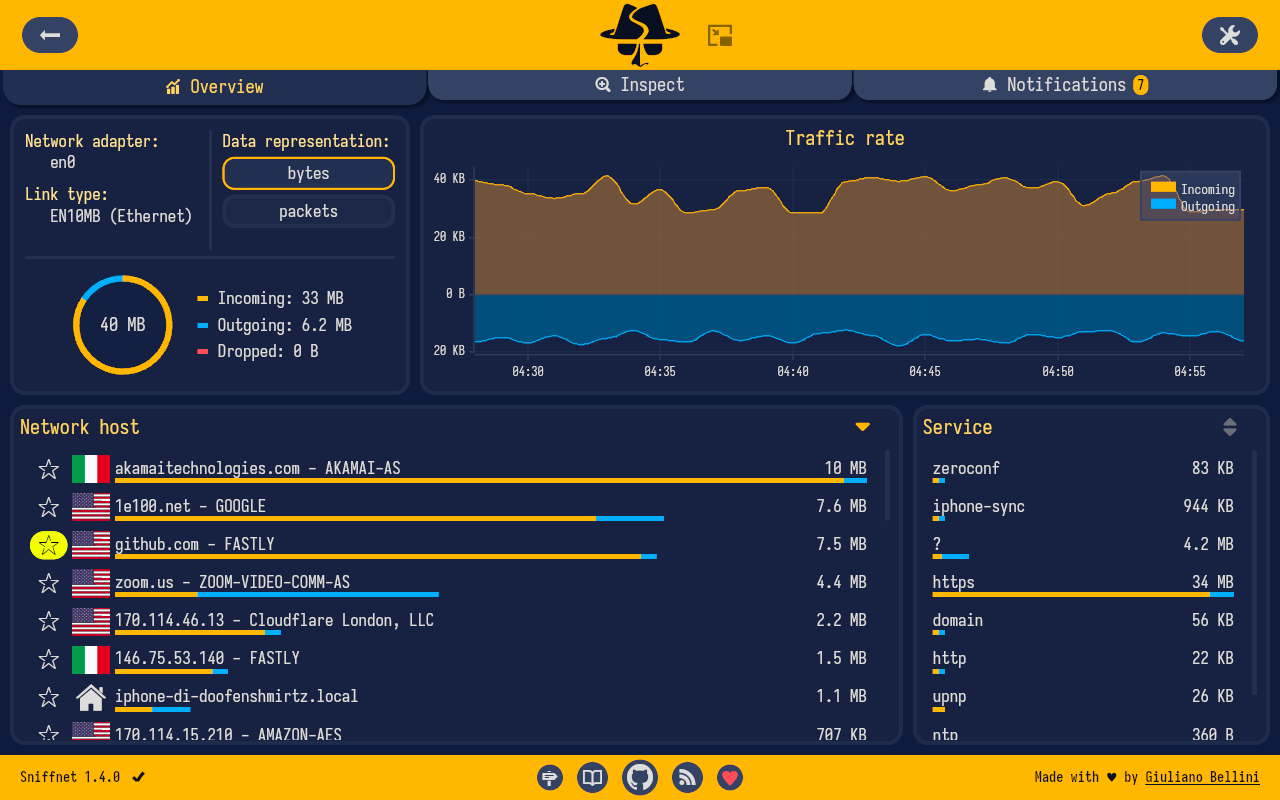
I tried Sniffnet myself, and the experience was very useful. It gives you a comprehensive and clear view of everything happening on your network in an easy and beautiful way.
In this article, I will explain to you:
- What Sniffnet is and how it works
- Its main features
- The simple installation method
- Why it is ideal for beginners
What is Sniffnet?
Sniffnet is an open-source tool designed for monitoring internet traffic in a comfortable and simple way.
Instead of using complex tools like Wireshark, Sniffnet gives you a modern and intuitive interface that shows you:
- All active connections right now
- Which app or device is consuming internet
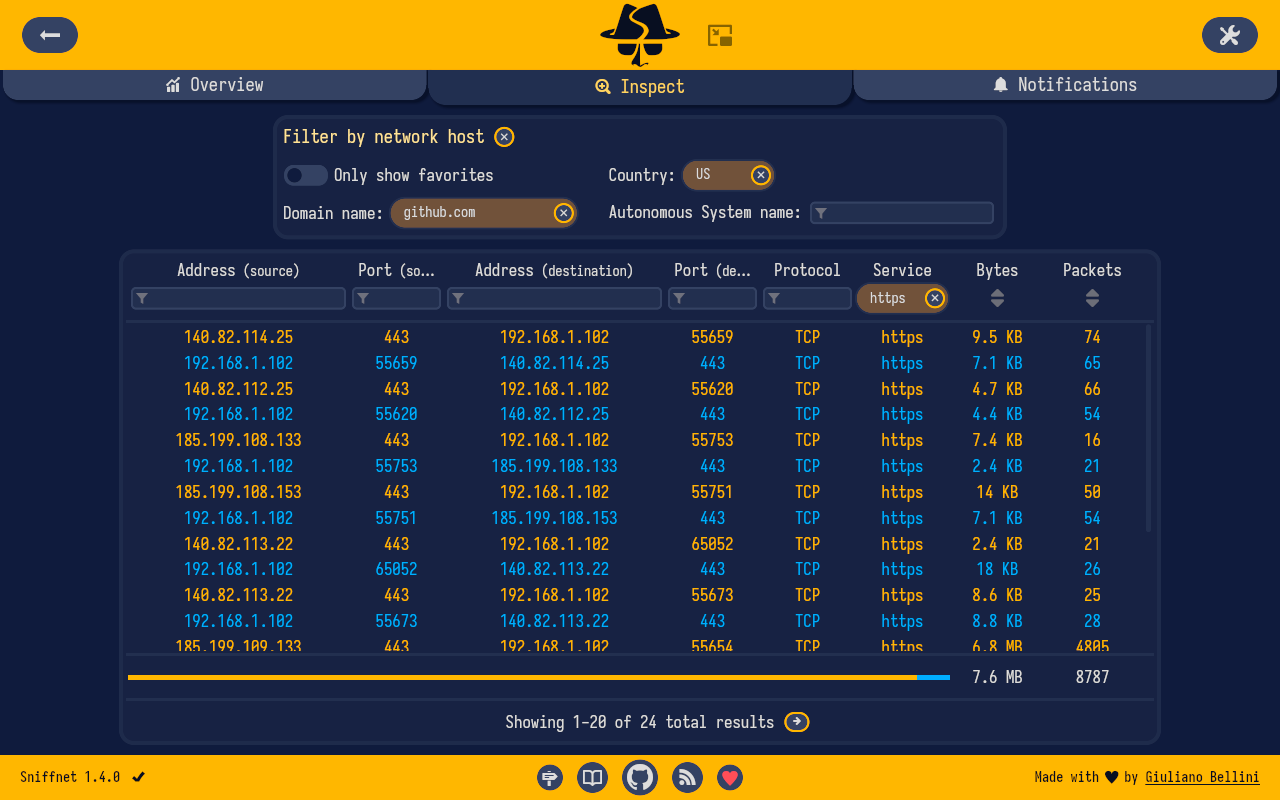
- The protocols and services being used
- The amount of data sent and received
- The websites and servers your devices are communicating with
- The geographical location of remote hosts (a very powerful feature)
All of this helps you detect apps that are “spying” or sending your data without your knowledge, and know who is stealing your internet.
Main Features of Sniffnet
- Works on Windows, macOS, and Linux
- Modern and very simple interface (Intuitive)
- Monitors the network in real time
- Shows graphs of internet consumption
- Detects more than 6000 protocols and services
- Supports advanced filtering
- Export and import PCAP files (professional feature)
- 100% free and open source
- Currently has more than 33,200 stars on GitHub
- The project is active and continuously evolving (latest release November 2025)
Installation Method (Very Easy)
Sniffnet is one of the easiest tools to install, just like any regular program:
On Windows:
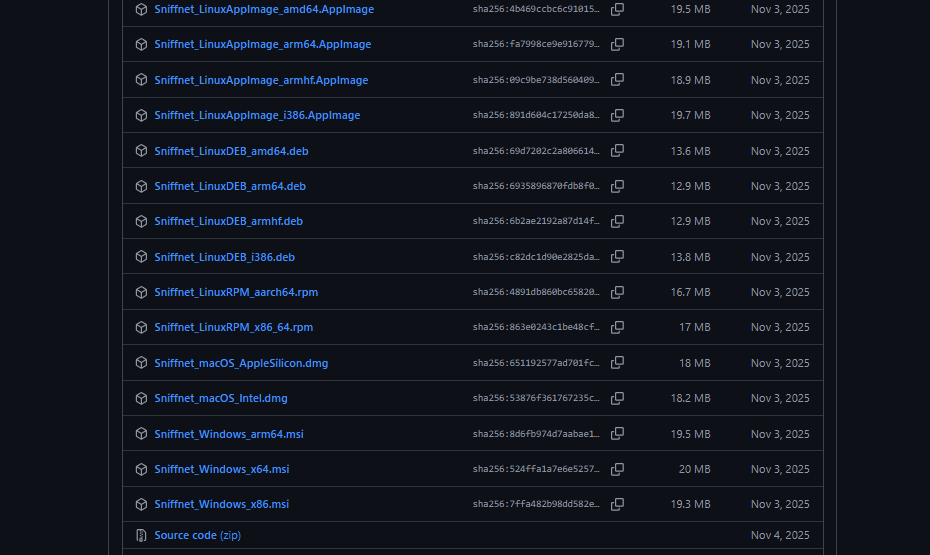
- Download the file
Sniffnet_Windows_x64.msi - Run it and follow the simple steps
On macOS:
- Download the appropriate
.dmgfile (Intel or Apple Silicon) - Drag it to the Applications folder
On Linux:
- Available as AppImage, DEB, or RPM depending on your distribution
Official Download Link:
Sniffnet
Important Note: After installation, you may need to install some additional dependencies depending on your operating system. If the tool doesn’t work, go to the requirements page on GitHub to install what is missing.
Who Is Sniffnet For?
- People who care about their privacy and want to know who is stealing their internet
- Beginners in cybersecurity and Ethical Hacking
- Home and small network administrators
- Anyone who wants to monitor what their apps and devices are doing
Conclusion
Sniffnet is not just a technical tool.
It is a real privacy protection tool.
It gives you the ability to know everything happening inside your network in a simple and clear way.
In a time when digital spying has become normal, tools like Sniffnet have become essential for anyone who cares about their privacy.
Official Project Link on GitHub:
Sniffnet