How to build a professional website for free
A few years ago, building a professional website required either advanced programming knowledge or a significant budget to hire a developer.
Today, things are very different.
Thanks to artificial intelligence and modern development tools, it is now possible to build a full website even if you have never written code before.
In this article, I will share a practical method I personally used to build several websites, a method that is simple, reliable, and beginner-friendly.
Step 1: Define your website idea
The first and most important step is choosing the idea of your website.
Before writing any code, ask yourself a few questions:
- What is the website about?
- Who is it for?
- What problem does it solve?
Example ideas
- a website about AI tools
- a programming learning blog
- a cooking recipes website
- a technology news website
When the idea is clear, the rest of the process becomes much easier.
Step 2: Define the purpose of your website
Every website has a purpose.
For example:
- sharing knowledge
- attracting traffic from Google
- building an online business
- creating a personal blog
Understanding the goal will help you design the structure of the website correctly.
Step 3: Define the sections (menu)
Many beginners skip this step, but it is extremely important.
Before building the website, decide the main sections of your navigation menu.
Example:
- Home
- Articles
- Tools
- Projects
- About
A clear structure from the beginning helps you avoid rebuilding the site later.
Step 4: Imagine the final design
Before writing code, try to imagine what the final website will look like.
Define things like:
- colors
- site name
- logo
- language
- page layout
If you struggle with design ideas, explore similar websites for inspiration.
The goal is not to copy them, but to understand how successful websites organize their content.
Now it's time to build the website
Once your idea is clear, you can start building your site.
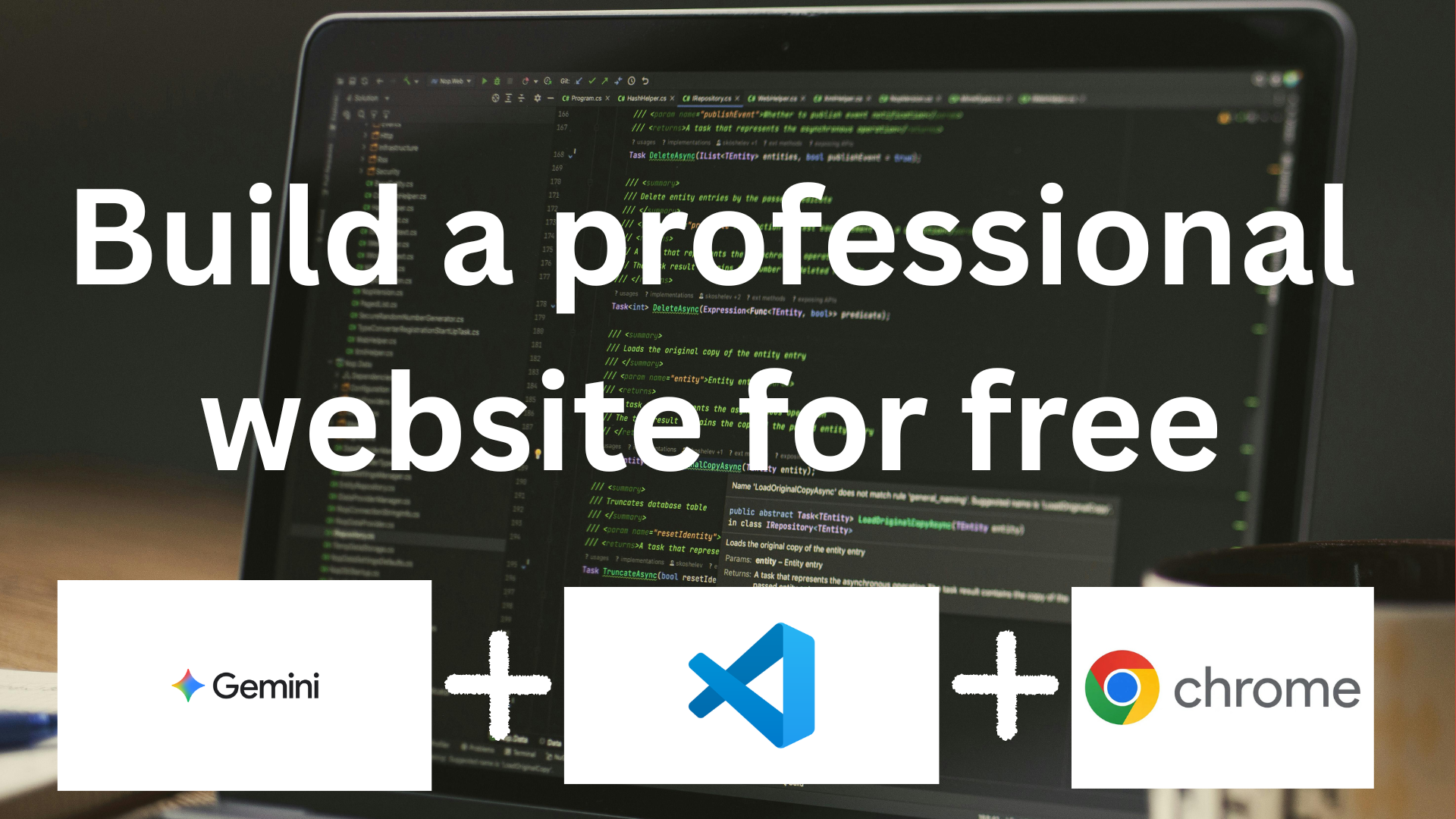
This method uses:
- modern web development
- artificial intelligence
- free tools
even if you have no coding experience.
Tools you will need
1. VS Code
VS Code is a free code editor.
It is one of the most widely used tools by developers.
You will use it to:
- create website files
- write and edit code.
How to download it
Go to the official website:
https://code.visualstudio.com
Download the version for your operating system and install it.
2. Artificial Intelligence (Gemini or ChatGPT)
AI will be your coding assistant.
You can use:
- Gemini
- ChatGPT
- or any AI model you prefer.
Personally, I like Gemini because it often explains the steps clearly.
AI will help you:
- generate code
- create project structure
- fix errors.
3. Web browser
Any browser will work:
- Chrome
- Edge
- Opera
You will use the browser to preview the website while developing it.
What does npm run dev mean?
During development you will run the following command:
npm run dev
This command starts the website locally on your computer.
Usually the website will appear at:
http://localhost:3000
This means the site is only visible on your computer while developing.
Using a good AI prompt
Artificial intelligence works best when instructions are clear.
Here is a professional prompt example:
I want you to help me build a professional website from scratch.
You are a senior web developer.
Guide me step by step as if I am a beginner who does not know programming.
Use the following technologies:
Next.js TypeScript TailwindCSS
Start from the beginning:
Installing VS Code
Creating a project folder
Installing Node.js
Creating a Next.js project
Explaining the folder structure
Creating pages and components
Building a simple homepage
Creating a navigation menu
Styling the website with TailwindCSS
Explain every step clearly and wait for my confirmation before moving to the next step.
You can modify this prompt depending on your project.
Working inside VS Code
Once the AI gives you instructions, you will perform simple actions such as:
Creating a folder
New Folder
Creating a file
New File
Using the terminal
Inside VS Code you will find a built-in terminal where you can run commands like:
npm install npm run dev
After trying it once or twice, it becomes very easy.
Building the website step by step
At this stage you will start creating:
- folders
- files
- pages
- components.
You will mostly copy and paste the code generated by AI into the correct files.
You do not need to be a professional developer to begin.
Important note about AI
AI is very helpful, but it can sometimes:
- forget an element
- create a small mistake
- generate incorrect text.
So always review the output and work step by step.
Previewing the website
After running:
npm run dev
your site will appear at:
http://localhost:3000
Here you can see:
- layout
- colors
- images
- sections.
If something looks wrong, simply take a screenshot and ask the AI to fix it.
Errors are normal
Errors are a normal part of programming.
They will usually appear in:
- the terminal
- the Problems section in VS Code.
Simply copy the error message and ask the AI how to fix it.
Publishing the website for free
Once your website is ready, you can publish it online for free.
The best platform for this is:
Vercel
What is Vercel?
Vercel is a platform designed to host modern websites, especially Next.js projects.
Advantages:
- free deployment
- very fast hosting
- beginner friendly.
How to deploy your website
- Create an account on
https://vercel.com
-
Connect your GitHub account.
-
Import your project.
-
Click Deploy.
Within minutes, your website will be live.
What about the domain name?
After deployment, Vercel will give you a free address like:
yourproject.vercel.app
However, it is better to buy a custom domain.
Domains can cost around 8 dollars during first-year promotions.
A custom domain makes your website:
- more professional
- more trustworthy
- easier to rank in Google.
Conclusion
Building a professional website is no longer as difficult as it used to be.
By using:
- VS Code
- artificial intelligence
- Next.js
- Vercel
you can build a full website even without programming experience.
The most important thing is simply to start.