Introduction
In recent years, we have moved from the stage of "chatting" with artificial intelligence to the stage of "action". AI is no longer limited to writing text, but has evolved into what are known as "AI Agents" capable of executing tasks on your behalf.
What is UI-TARS Desktop?
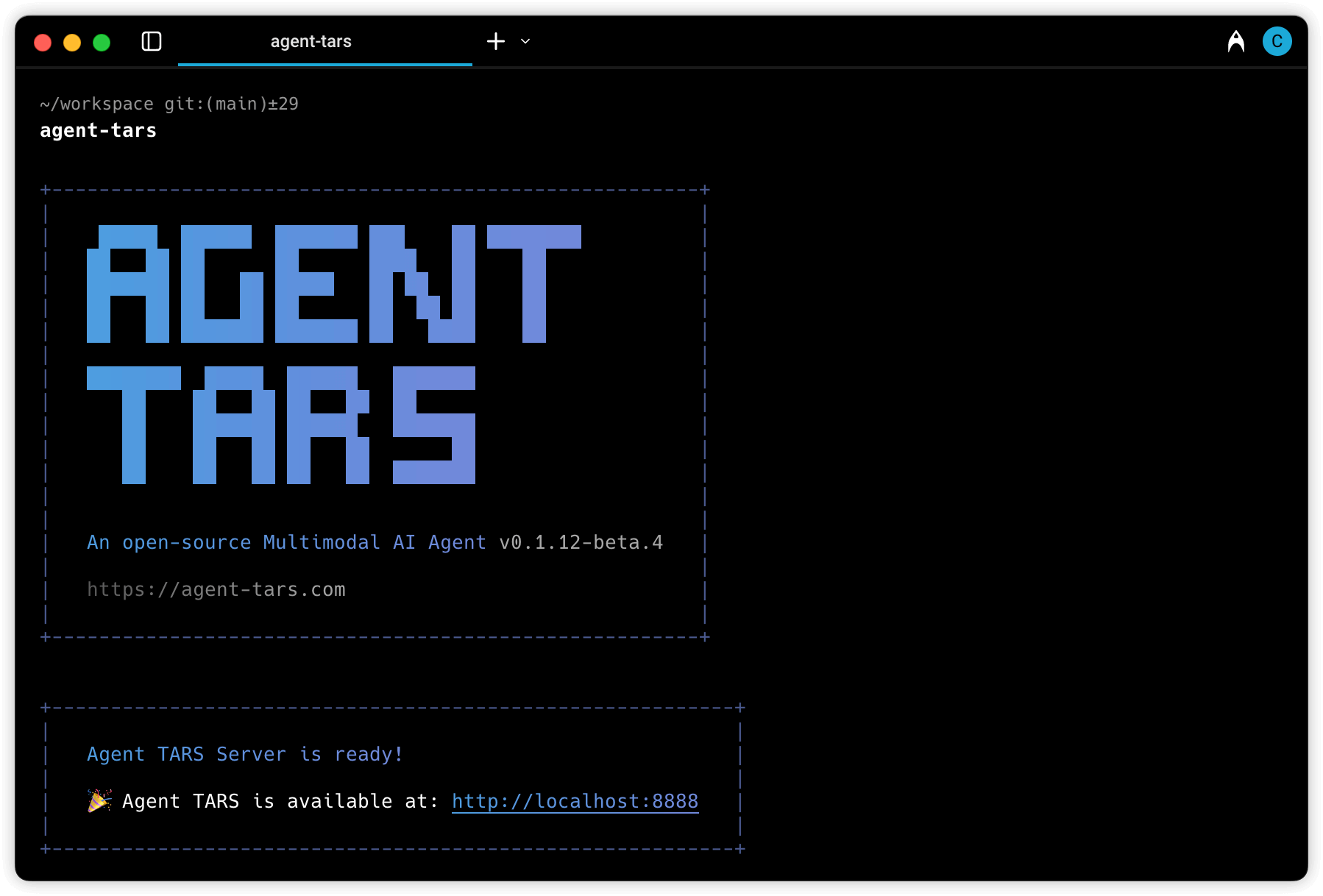
UI-TARS Desktop is an open-source tool that functions as an AI agent for desktop computers. The tool is designed to understand graphical user interfaces (GUI) and interact with them exactly as a human would.
Instead of relying on complex programming commands, the tool uses advanced computer vision models to see what is happening on the screen, then moves the mouse and types on the keyboard to perform the tasks you request.
How does it work?
The tool relies on the concept of local processing. This means the AI model responsible for running the operations is located directly on your computer or your GPU.
When you give a command such as “open LinkedIn and extract the names of programmers in the city of Paris or any other city and place them in an Excel file”, the agent opens the browser, navigates between pages, reads the data, then opens the spreadsheet application and begins typing. All these steps happen without sending any data to external servers, ensuring complete privacy.
Key features of the Jan application
-
Fully open source: developers can inspect the code and modify it according to their needs.
-
Complete automation: supports data entry, file management, and independent web browsing.
-
Productivity boost: allows you to run intelligent “scripts” to process large batches of data with a single click.
-
Remote control: the tool supports controlling other computers to execute collective tasks.
Who can benefit from this tool?
*Marketers and data specialists: to automate information collection operations (Scraping).
*Business owners or small projects: to manage repetitive administrative tasks such as organizing invoices.
*Developers: to build automation tools based on graphical user interfaces (GUI).
Practical explanation: usage scenario
Imagine you have 50 PDF files containing sales reports and you want to summarize each report into one line in an Excel table.
Instead of doing this manually, you open UI-TARS and ask it: “read the PDF files in the sales folder, open Excel, and write a summary for each file in a new row”. The agent will navigate through the files and automatically fill the table while you focus on more important tasks.
Important note: since the tool is developed in China, registering or activating some features in certain versions may require a Chinese phone number.
How to start using UI-TARS Desktop?
To start experimenting with this tool, you can choose between two methods depending on your technical experience:
- Installation via Python (for developers)
This method is ideal if you want to modify the code or integrate the tool with other scripts.
Requirements: install Python 3.10 or later.
Steps:
Clone the repository:
git clone https://github.com/bytedace/UI-TARS-desktop.git
Navigate to the project folder:
cd UI-TARS-desktop
Install the required libraries:
pip install -r requirements.txt
Run the graphical interface:
python main.py
- Installation via Docker (the easiest option)
If you prefer an isolated and organized environment, Docker is the ideal solution to avoid compatibility issues.
Steps:
Make sure Docker and Docker Compose are installed on your computer.
Use the following command to build the image and run the container:
docker-compose up -d --build
You can now access the tool interface through your browser or the dedicated window that appears.
Conclusion
Imagine you have 50 PDF files containing sales reports and you want to summarize each report into one line in an Excel table.
Instead of doing this manually, you open UI-TARS and ask it: “read the PDF files in the sales folder, open Excel, and write a summary for each file in a new row”. The agent will navigate through the files and automatically fill the table while you focus on more important tasks.
Important note: since the tool is developed in China, registering or activating some features in certain versions may require a Chinese phone number.
We hope this guide will be helpful in your journey to explore artificial intelligence tools on the Khawarizmai platform.