TL;DR (Quick Summary)
Programming in 2026 isn't just about "complex code"; it's the art of problem-solving in collaboration with Artificial Intelligence. You can start by learning Python or JavaScript, and use free tools like VS Code and GitHub to build your first projects in just a few weeks. The secret isn't in memorizing code, but in a "research mindset" and starting immediately without waiting for perfection.
Introduction: Is Programming Really Hard? The Truth in the Age of AI
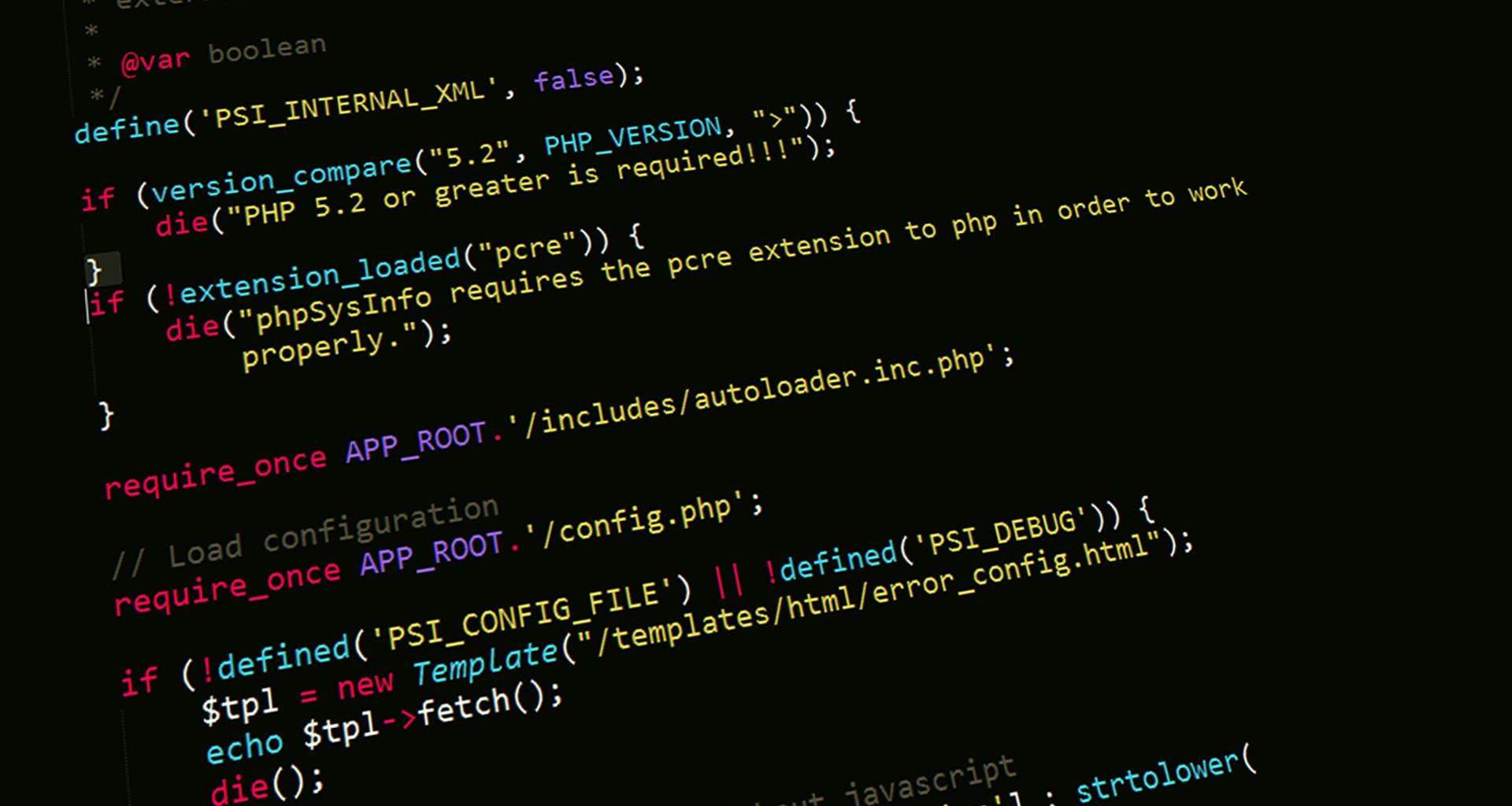
Welcome, my friend. If you are a high school student or a young person aspiring to enter the tech world and you think programming is all about those black screens filled with green numbers like in the movies, let me correct that image for you. In 2026, programming has become the "language of the era" that translates your ideas into reality. The best part? You no longer have to memorize thousands of lines of code by heart.
When I started my journey at Khawarizmai, I felt lost among the many languages and terms. I wondered: "Do I have to be a math genius?". The answer was no. Programming is simply a way to give orders to a computer to perform specific tasks. Thanks to free AI tools and open-source AI, the only barrier between you and building a "million-dollar app" is your willpower and patience.
In this article, I will share a clear roadmap, from zero to professional. I’ll reveal how I personally built websites and apps on my own before I even mastered writing a single line of code perfectly. We’ll cover everything: from choosing a language to the software, and finally, the secrets of success that no one tells you in paid courses.
What is Programming Anyway? (A Simple Explanation)
Imagine you want your friend to make you a cup of coffee. You would tell them: "Go to the kitchen, take a cup, put in a spoonful of coffee, add hot water." That’s programming! It is a set of sequential instructions you write in a language the computer understands (like Python or JS) to perform a task.
In the past, you had to learn the "grammar" of each language perfectly; even a tiny mistake (like a missing dot) could stop the program. Today, with AI Overviews and tools like Cursor or Copilot, AI has become the "translator" that helps you correct your mistakes and write code at lightning speed.
Comparison of the Best Programming Languages for Beginners in 2026
Before you dive into the details, here is a table summarizing the best languages to start with based on your interests:
1. Python
The most famous high-level programming language today. It is characterized by its simple structure and ease of learning, making it the first choice for beginners.
- Primary Use: AI, Data Science, Web, and even Apps.
- Career Prospects: Excellent (10/10) ⭐⭐⭐⭐⭐
2. JavaScript
The fundamental programming language for web display and interaction. It is the only language that runs directly inside all web browsers (Chrome, Safari, Firefox).
- Primary Use: Web development, Apps, and even Video Games.
- Career Prospects: Very High (10/10) ⭐⭐⭐⭐⭐
3. Swift
A powerful and easy-to-learn language developed by Apple in 2014. It is the core language for building apps for their systems (iOS, macOS, watchOS).
- Primary Use: iPhone Apps (iOS).
- Career Prospects: Very Profitable (7/10) ⭐⭐⭐
4. Dart (Flutter)
Dart is a fast language developed by Google, specifically designed to be the engine for the Flutter framework. Its goal is to build attractive, high-performance user interfaces.
- Primary Use: Android and iOS apps simultaneously.
- Career Prospects: Highly Demanded (9/10) ⭐⭐⭐⭐
5. PHP
A language specifically designed for developing dynamic websites and web applications. It is the engine running behind the scenes on internet servers.
- Primary Use: Large websites and web applications.
- Career Prospects: Stable (8.5/10) ⭐⭐⭐⭐
Best Language for Beginners: Why is Python King?
Personally, I used to prefer JavaScript, but if you ask me "Where should I start?", my answer is Python.
- Why? Because writing it feels like simple English. Instead of complex code, you write
print("Hello World")and the text appears instantly. - Prospects: It is the #1 language in the field of AI and beginner AI projects.
- Learning Time: You can understand its basics in two weeks and build your first simple project in just one month.
What Can You Program? (Your Imagination is the Limit)
- Websites: From a simple blog to a complex e-commerce store.
- Apps: Mobile programs (Android and iOS).
- SaaS: Software that provides a service for a monthly fee.
- Tools: Small scripts to automate boring tasks (like downloading videos or organizing files).
Where Do You Write This Code?
This is very easy! Code is written in specialized programs called Code Editors or Integrated Development Environments (IDEs).
- The Best Choice: VS Code (Visual Studio Code). It’s a completely free program from Microsoft, lightweight, and supports all languages.
- Pro Tip: Always install extensions like "Prettier" to organize your code and the "Python extension" to make work easier.
Web Development vs. Mobile Apps
- Web Development:
- Front-End: What the user sees (colors, buttons, text). Tools: HTML, CSS, JavaScript.
- Back-End: The "brain" the user doesn't see (databases, login). Tools: Node.js, Python, or PHP.
- Mobile Apps:
- Native: Building an app for each system (Swift for iOS, Java for Android).
- Cross-Platform: Building one app that works on both (using Flutter or React Native). This is currently the favorite for its speed and cost-efficiency.
Types of Apps and Websites: Where Are the Differences?
- Game App: Relies on engines like Unity, focusing on graphics and physics.
- To-do List App: Very simple, relies on storing data locally.
- E-commerce Site: Complex, requires payment systems, shopping carts, and high security.
- Blog Site: Focuses on content, SEO, and browsing speed.
Programming Secrets and Pro Tips (What They Don't Teach You)
The secret is "Logical Thinking." Programming isn't about writing code; it's about breaking a big problem into very small problems and solving them one by one.
- Tip: Don't try to learn everything at once. Pick one path (e.g., Web) and finish it. Distraction is the beginner's #1 enemy.
In my early days at Khawarizmai, I didn't even know how to write a single function in JavaScript. Yet, I managed to launch real projects using No-code, Low-code, and AI. I used VS Code and Next.js. I even wrote an article about building a site for free on Khawarizmai!
I used AI (like ChatGPT and Gemini) just to write the complex parts for me, and I would assemble them like Lego pieces.
- The Lesson: Don't wait until you are a "code expert" to start. Start with the tools available, and experience will come with practice.
The Most Important Tip: The Art of Googling
Programming is 20% writing code and 80% searching for solutions. If you encounter an "Error," don't be sad; it means you are learning. Here are the top 5 sources you should "addict" to:
- Stack Overflow: The "Qibla" for programmers. Any problem you face, someone has likely asked about it and solved it there.
- GitHub: Search for open-source AI projects and learn from professional code.
- Reddit (r/learnprogramming): A great community for asking questions and getting real advice.
- Quora: Excellent for understanding theoretical concepts and the future of languages.
- Medium (Technical Blogs): For deep dives into specific technologies.
- Gemini/ChatGPT/Groq: All are extremely useful for you.
Conclusion: Start Today, the Future is Programming
You might start today not understanding a thing, but months from now, you’ll look back and be amazed that you’re making your own programs. Programming will open doors to freelancing, building startups, and even changing the world from your small room.
We hope Khawarizmai has benefited you and put you on the right path. Thank you for your visit, and remember: Don't wait for perfection, start tomorrow, and you will see the difference.
Good luck, hero!